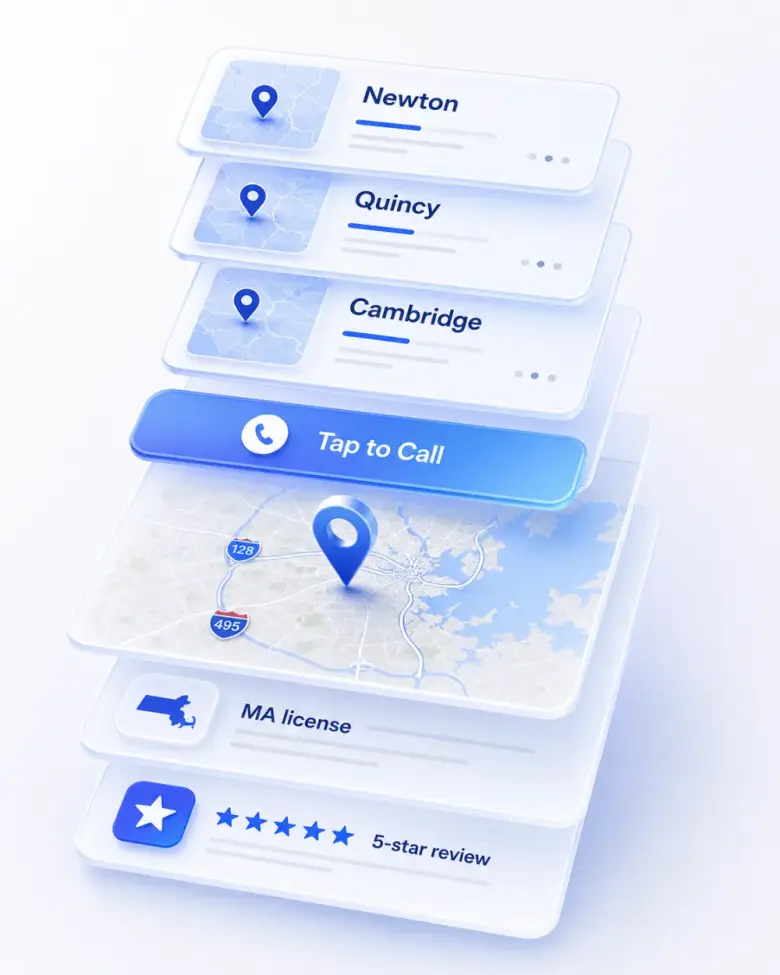
For a service business, the most valuable thing a website visitor can do is pick up the phone. Not fill out a form. Not send an email. Not schedule a callback. Pick up the phone. A real conversation closes faster, qualifies better, and beats every form on conversion rate. The single most important button on a small-business website is the click-to-call button — and a surprising number of sites either don’t have one or hide it.

Why phone calls beat forms

Forms have a conversion problem and a quality problem. The conversion problem: forms ask for effort. Name, email, phone, message, captcha, submit. Half the visitors who’d have called won’t bother filling that out. The quality problem: form leads are colder. The customer has time to keep shopping while waiting for a callback, and competitors who answer the phone in twenty seconds win those jobs.

A phone call, by contrast, is the customer at peak intent. They had a problem, they searched, they tapped your button, they’re on the line. The deal usually closes within the conversation.

What a click-to-call button actually is

It’s a button or link on your site that, when tapped on a phone, opens the dialer with your number already filled in. No memorizing the number, no typing it, no copy-paste. One tap → ringing.

The technology behind it is a single line of code: a phone link (tel:) attached to the button. The hard part isn’t the technology — it’s making the button visible, prominent, and present in the right places.

Where it should appear

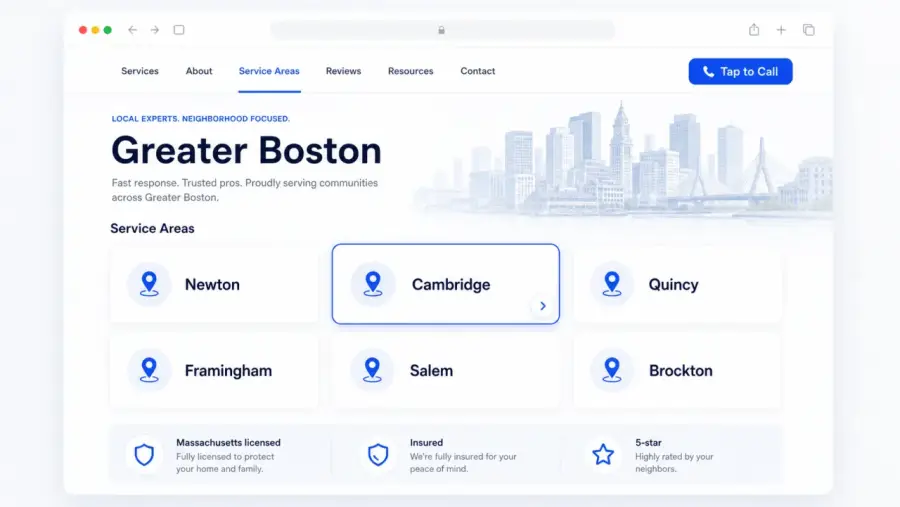
The header. The phone number visible at the top of every page, tappable on mobile.

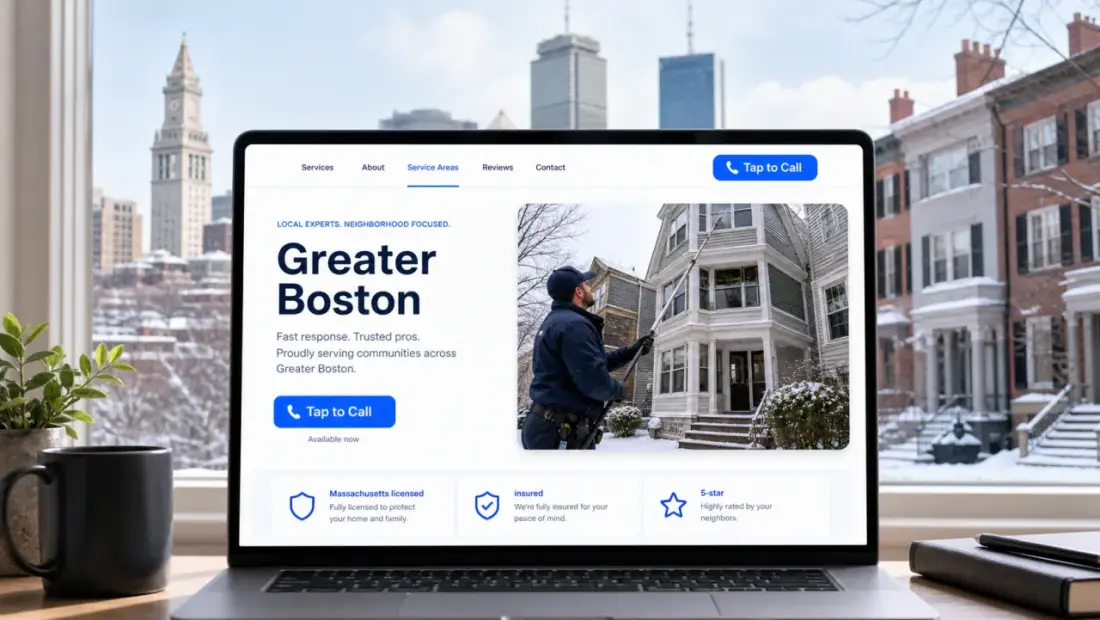
The hero. A big “Call Now” button right under the headline, alongside a quote-request option.

Sticky on mobile. A “Call Now” bar that follows the visitor as they scroll, always one tap from a call. This single feature can lift conversion by double-digit percentages on phone-heavy traffic.

End of every section. After the trust strip, after the services list, after the reviews — every place a visitor might decide they’re ready, the button needs to be right there.

The footer. Big, obvious, with the phone number spelled out.

Why “Call us at 555-1234” in plain text isn’t enough

Plain-text phone numbers force the customer to memorize digits, switch apps, and dial. On a phone, that’s 5-6 seconds and three taps. A click-to-call link does it in one. Modern browsers will sometimes auto-detect a phone number and make it tappable, but they don’t always — and the visual difference (a styled button vs. a line of black text) is the bigger factor anyway. People act on what looks like an action.

The trade-off (and why it’s worth it)

Some owners worry that prominent call buttons mean “more dumb calls.” In practice, it just means more calls — and the dumb-call rate is roughly the same as the form-spam rate, with a much better return on the legitimate ones. If your concern is filtering, the right answer is a clear hero (“Emergency plumbing in Austin — 24/7”) so you’re mostly attracting the right callers in the first place. Don’t hide the button. Sharpen the page.

Want a website that actually does this?

$100 to build. $25/month to keep it running. No contracts, free homepage mockup before you pay a cent.

Get My Free Homepage Mockup

Get a Website That Puts All of This to Work

$100 build. $25/month maintenance. Free homepage mockup. No contracts.

Get a Free Homepage Mockup