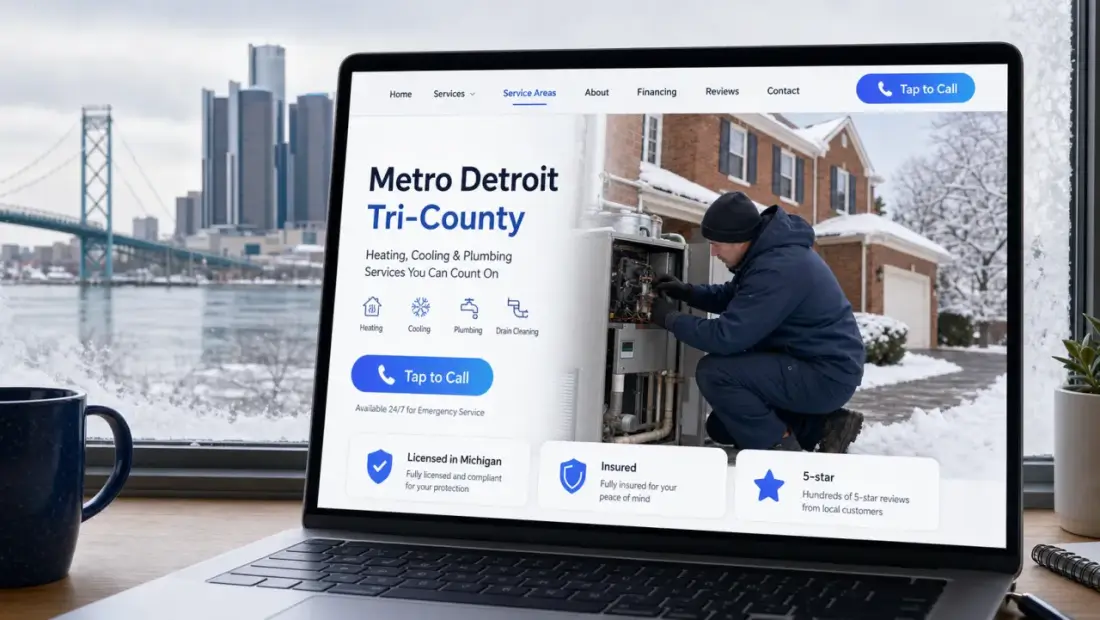
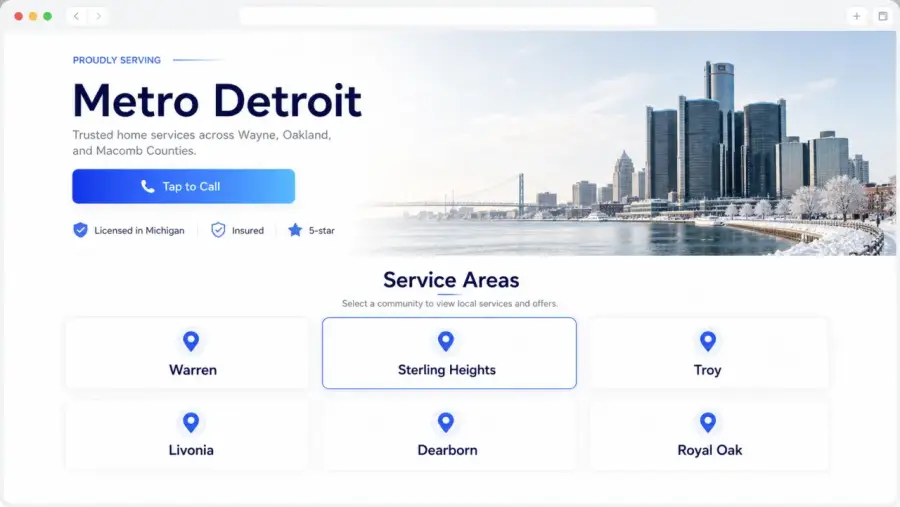
A call to action — usually shortened to CTA — is the part of your page that tells the visitor exactly what to do next. A button that says “Call Now.” A button that says “Get a Free Quote.” A button that says “Schedule Service.” It sounds obvious, but a huge number of small-business websites don’t actually have one. They have a contact link in the menu, a phone number in the footer, and a homepage that ends with “Thank you for visiting!” That’s not a CTA. That’s a goodbye.
What a real CTA looks like
A real CTA is specific, prominent, and action-oriented. Specific: it tells the visitor what will happen if they click. Prominent: it’s big, contrasting, hard to miss. Action-oriented: it starts with a verb (“Call,” “Get,” “Request,” “Schedule”), not a noun (“Contact”).
“Call us for a same-day quote” is a CTA. “Contact” is not.
Why “Contact” in the menu doesn’t count
Most small-business sites assume that having a phone number in the header and a Contact page in the menu is enough. It isn’t. The customer didn’t come to your site to find your contact info — they came because they have a problem and they’re trying to figure out if you’re the right person to solve it. By the time they’ve decided yes, the friction of finding a way to reach you is what kills the conversion.
A CTA removes that friction. It puts the next step in front of the visitor at the exact moment they’re ready to take it.
Pick one primary action — not five
The biggest mistake on small-business sites is offering too many options. “Call us!” “Email us!” “Fill out our form!” “Book online!” “Subscribe to our newsletter!” “Follow us on social!” The visitor freezes. Too many choices is the same as no choice.
Pick the action you most want them to take and make that the dominant CTA. For most service businesses, that’s “Call Now.” A secondary CTA — usually “Get a Free Quote” for the people who don’t want to call — is fine. Anything beyond two options should go below the fold.
Where the CTA needs to appear
The hero. The first screen the visitor sees, with a button right next to the headline.
After every major section. Trust strip → CTA. Services list → CTA. Reviews → CTA. The visitor might be sold at any point; the button needs to be there when they are.
Sticky on mobile. A floating “Call Now” bar that follows the visitor as they scroll.
The footer. One last big, obvious button.
Words that work
Strong CTAs say what the visitor will get, not what they have to do for you. Compare:
“Submit” — neutral at best, slightly bureaucratic.
“Send Message” — feels like effort.
“Get My Free Quote” — names the benefit, uses “my,” reads as effortless.
Specifics also help. “Call for a same-day quote” outconverts “Call us today.” “Get a free roof inspection” outconverts “Contact our team.” The closer the CTA gets to naming the actual outcome the customer wants, the better it performs.
Want a website that actually does this?
$100 to build. $25/month to keep it running. No contracts, free homepage mockup before you pay a cent.
Get My Free Homepage Mockup