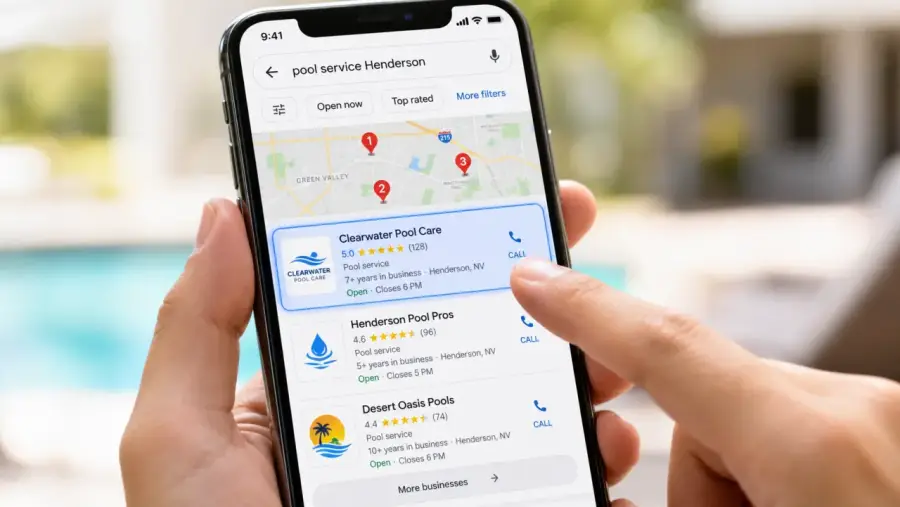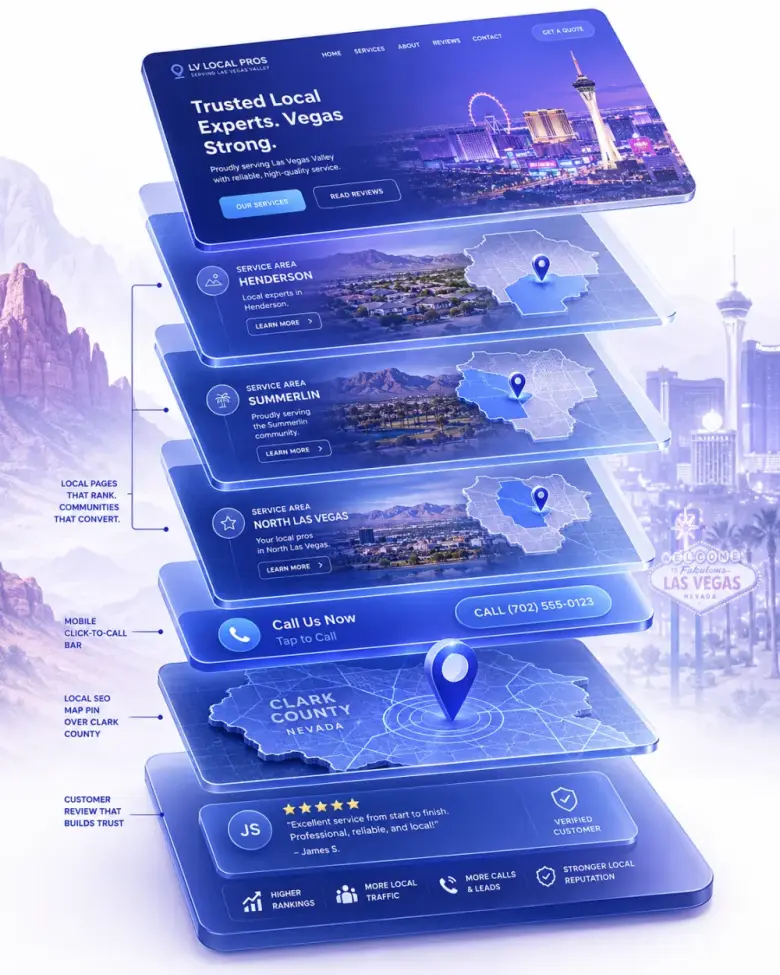
A Google Business Profile (GBP) is the free listing that shows up on Google Search and Google Maps when someone looks for a local business. It’s the box on the right of the search results that shows your name, phone number, hours, photos, reviews, and a button to call or get directions. For most service businesses, it’s the single most important piece of online real estate they own — and a lot of owners don’t even realize it’s theirs to control.

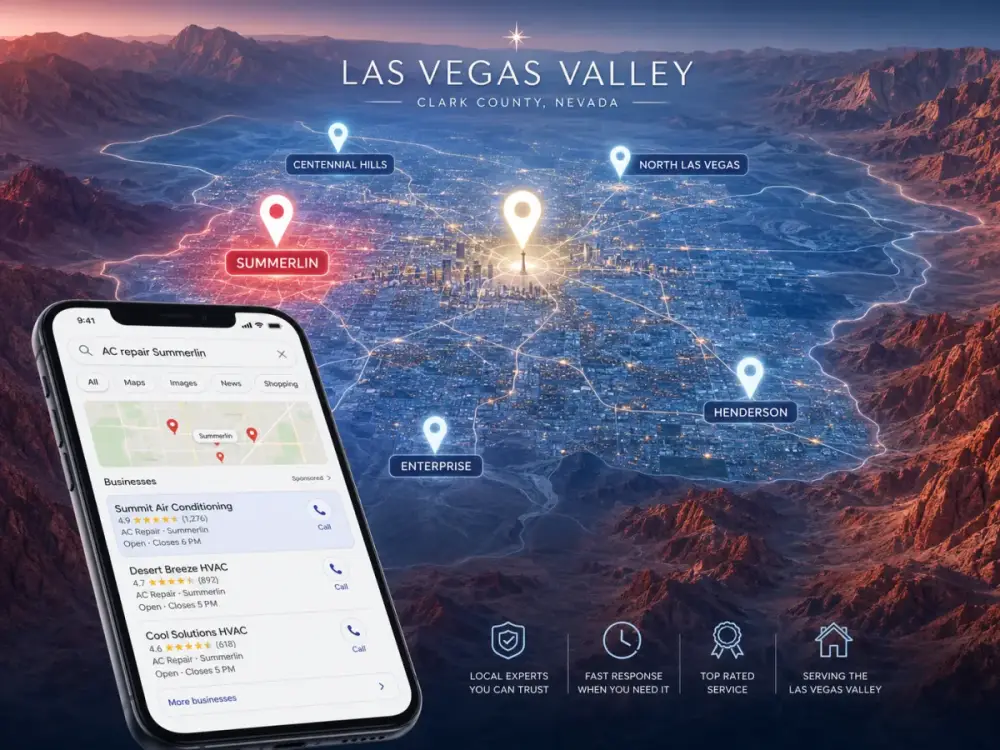
Google used to call it Google My Business. The name changed, but the role didn’t: this is how Google decides who shows up in the “map pack” — the three local results that sit above the regular blue links. If you’re not in that map pack, you’re missing the highest-intent traffic Google sends.

What it actually shows customers

When someone searches “[your service] near me” or “[your service] [your city],” Google often shows the map pack first. Each business in that pack is its Google Business Profile in summary form: business name, star rating, number of reviews, hours, address (or service area), a website link, and a tap-to-call button.

That short block does most of the work. Customers compare ratings, scan the photos, glance at hours, and tap the one that looks most legitimate. Many never click through to anyone’s website at all — they just call. If your profile isn’t set up, isn’t verified, or has out-of-date info, you’ve lost the lead before your homepage ever loads.

Why it often matters more than your homepage

For local searches, the map pack sits above the regular search results. It gets clicked first. That means a strong Google Business Profile can outperform a beautiful homepage that’s buried at position six.

It’s also free. Google does the hosting, the layout, and the distribution. Your only job is to fill it in correctly, keep it current, and earn reviews. For a small business with a tight budget, no other marketing channel offers that kind of leverage.

What goes on a complete profile

Accurate name, address, and phone (NAP). These have to match exactly what’s on your website and other directory listings — Google cross-references them to confirm you’re a real business.

Service area or address. If customers come to you, list the address. If you go to them (plumbing, landscaping, mobile detailing), set a service area instead so the map shows your coverage zone, not your home garage.

Hours, services, and categories. Pick the most specific primary category Google offers (“emergency plumber” beats “plumber”). Add every service you offer. Keep hours up to date — including holidays.

Photos. Real photos of your work, your trucks, your team. Stock photos hurt you. Profiles with regular photo updates rank better and convert better.

Reviews. The single biggest ranking and trust factor. More on that below.

How Google decides who appears in the map pack

Google ranks profiles using three signals: relevance (does the profile clearly match what was searched?), distance (how close is the business to the searcher?), and prominence (does Google trust this business more than the other options?).

You can’t change distance, but you can absolutely move relevance and prominence. Relevance comes from filling in your categories, services, and description with the actual words customers use. Prominence comes from review volume and quality, your website’s authority, and consistent business info across the web. Profiles with steady, recent reviews almost always outrank ones with a higher star average but no fresh activity.

Reviews are the engine

Asking customers for reviews — politely, by text or email, right after the job — is the single highest-leverage thing most owners are not doing. Five recent five-star reviews will move you up the map pack faster than almost anything else. Respond to every review, including the bad ones. Google rewards profiles that look actively managed.

How to claim and verify yours

Search your business name on Google. If a profile already exists, click “Own this business?” and follow the steps. If nothing shows up, go to google.com/business and create one. Google will verify ownership by mailing a postcard, sending a video request, or calling the business phone number — depending on category and location. Don’t skip this step. An unverified profile is essentially invisible.

Want a website that actually does this?

$100 to build. $25/month to keep it running. No contracts, free homepage mockup before you pay a cent.

Get My Free Homepage Mockup

Get a Website That Puts All of This to Work

$100 build. $25/month maintenance. Free homepage mockup. No contracts.

Get a Free Homepage Mockup