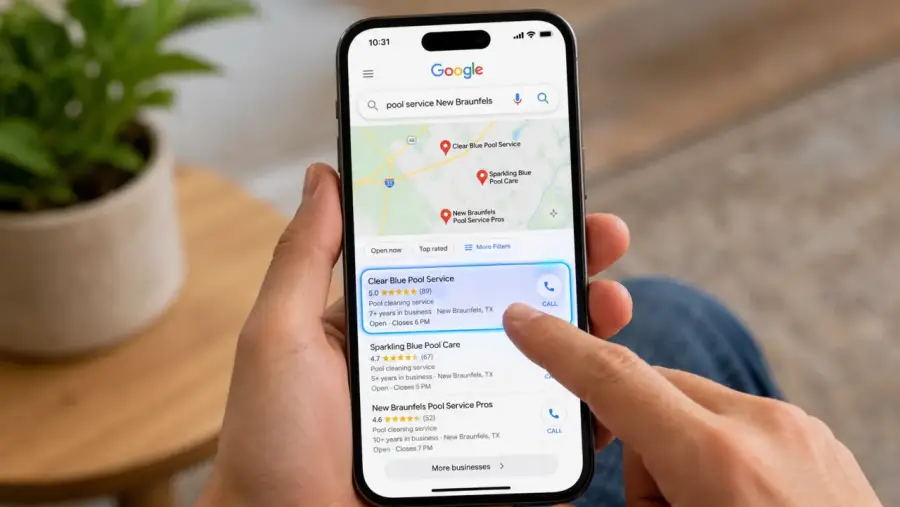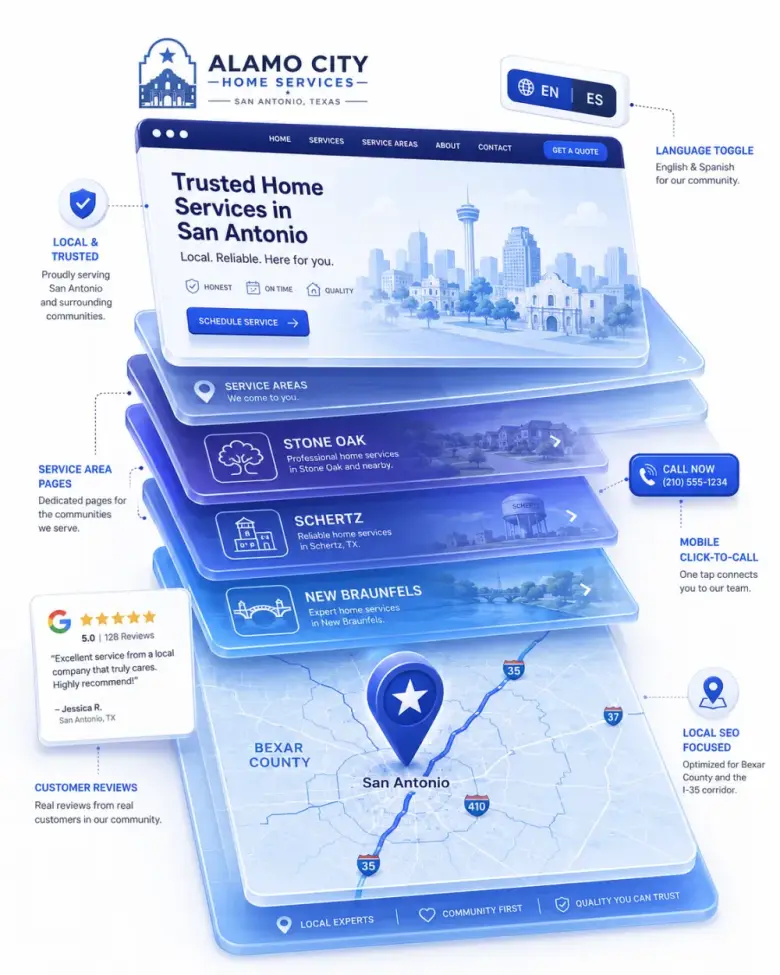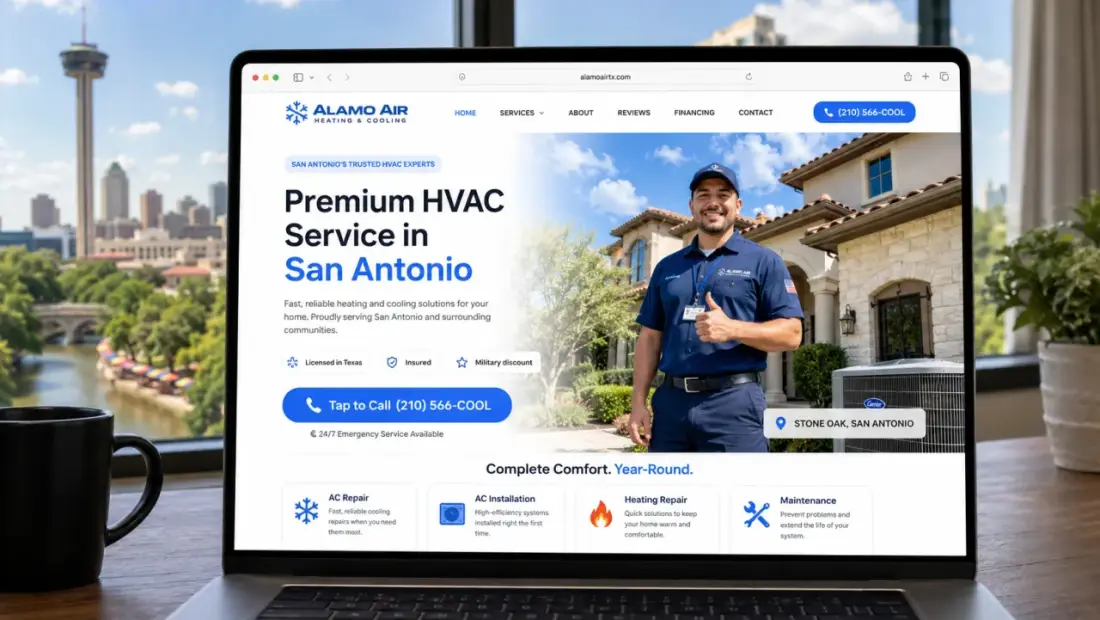
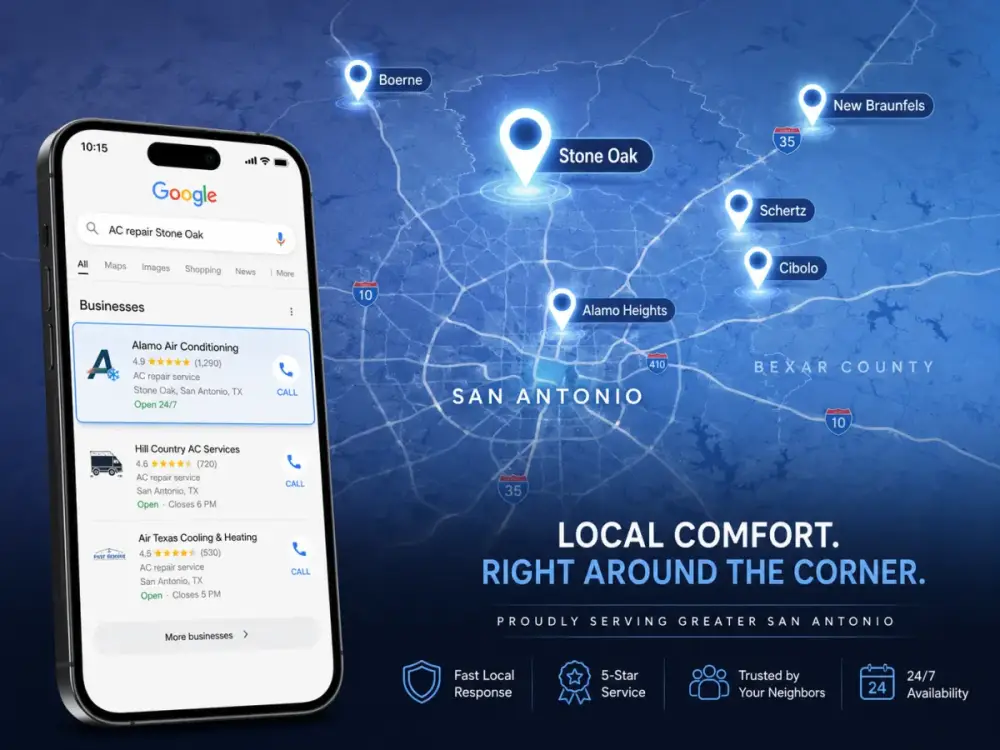
For most service businesses, somewhere between 60% and 80% of website visitors are on a phone. Probably more during evenings, weekends, and emergencies — exactly the moments people need a plumber, electrician, or tow truck. “Mobile-first design” means the site is built for those phone visitors first, then adapted for desktop. Most older small-business websites do it the other way around — and it shows.
The difference between mobile-friendly and mobile-first
“Mobile-friendly” means the site technically works on a phone — the text shrinks, you can pinch-and-zoom, the navigation collapses into a hamburger menu. It’s the desktop site, squeezed.
“Mobile-first” means the site was designed for phones from day one. Buttons sized for thumbs. Layouts that stack vertically without thinking. Tap-to-call links instead of forms. Images that don’t crush load times on cell signal. Then, on bigger screens, the layout opens up to take advantage of the extra space.
The two approaches produce very different sites. Visitors notice immediately, even if they can’t articulate why one feels right and the other feels off.
Why Google made it the default
Google switched to “mobile-first indexing” years ago, meaning the version of your site Google looks at to decide rankings is the mobile version, not the desktop one. If your phone version is missing content, slow, or broken, you lose ranking even if your desktop site looks great.
This is the part most owners miss. They build a beautiful desktop site, glance at it on their phone, see that it “works,” and don’t realize Google is grading them on the phone version exclusively.
What mobile-first actually looks like
Big tap targets. Buttons are at least 44 px tall, with space around them. Phone numbers and addresses are tappable links, not plain text.
Vertical, scannable layouts. One column. Big headings. Short paragraphs. The visitor should be able to absorb the page in a single thumb-scroll without zooming or pinching.
Lightweight images. Photos sized and compressed for the device — not desktop-resolution images that took five seconds to load on cell.
Sticky call buttons. A “Call Now” button that follows the visitor as they scroll. For service businesses, this is one of the highest-leverage conversion features there is.
Forms that work with thumbs. Big input fields, the right keyboard for each field type (numeric for phone numbers, email keyboard for emails), and as few fields as possible.
What goes wrong when a site isn’t mobile-first
Tiny text that requires zoom. Buttons the size of a pinhead. Two-column layouts that get squished side-by-side and become unreadable. Forms with twelve fields and a 6-pt label. Images that take ten seconds to load on a 4G connection. A logo so big it pushes everything below the fold.
None of it is malicious — it’s just a site designed for a 27-inch monitor and never re-imagined for a 6-inch screen. But every one of those problems silently sends customers back to Google to find a competitor who put in the work.
How to tell where your site stands
Open your site on your phone — your real phone, on cellular data, not at home on Wi-Fi. Time how long it takes to load. Try to call the business with one tap. Try to fill out the contact form with your thumb. If any of that is awkward, your visitors are feeling it too. The fix is almost never “tweak the desktop site.” It’s rebuilding from the phone outward.
Want a website that actually does this?
$100 to build. $25/month to keep it running. No contracts, free homepage mockup before you pay a cent.
Get My Free Homepage Mockup